Keep the intent. Lose the rebuild.
Crop area
Production handoff
Your campaign, still recognisably yours.
Refine the parts that need judgment, then hand over editable HTML, MJML, and bundled assets.
Review the buildUpload a full email design. Mailmedium rebuilds it as editable MJML and HTML, then gives your team one visual workspace to finish links, copy, crops, and styles.
Keep the intent. Lose the rebuild.
Your campaign, still recognisably yours.
Refine the parts that need judgment, then hand over editable HTML, MJML, and bundled assets.
Review the buildAn approved full-length email design
Editable copy, links, images, and styles
MJML, HTML, assets, and a quality report
Mailmedium starts from the finished frame your client or team already approved. It identifies sections, copy, buttons, and images, then rebuilds them as an email your production team can continue editing.
Explore the complete workflow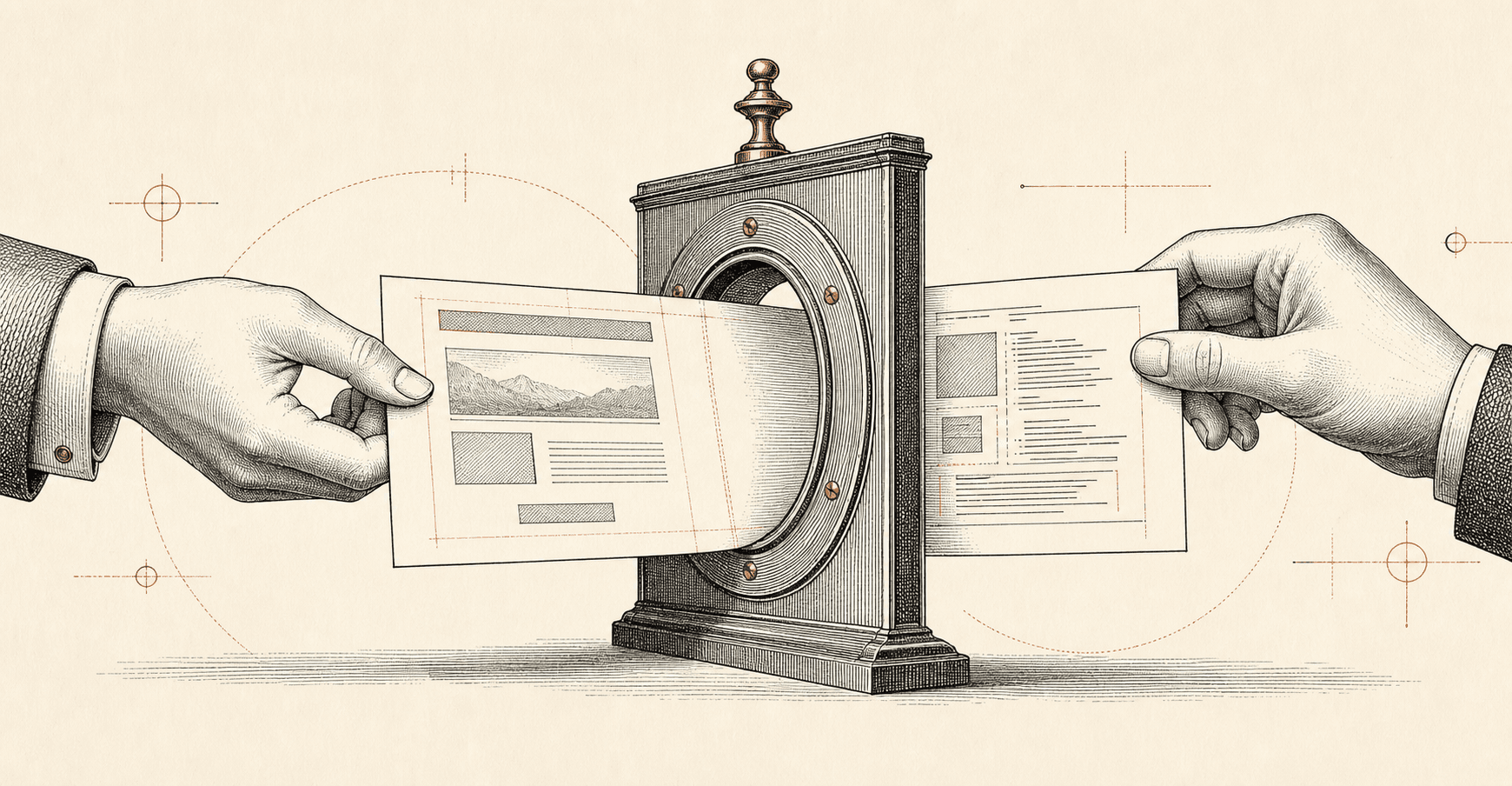
Use the complete email frame exported from Figma or another design tool. A quick preflight checks whether the source is suitable.
Open the rendered email and work through a short issue list. Fix destinations, crops, copy, and styling without rebuilding the layout.
Download MJML, compiled HTML, bundled assets, and a quality report in one ZIP ready for your existing implementation process.
Use Mailmedium for the repetitive first build, then keep your normal production and client-QA standards for the work that deserves them.
Increase campaign throughput without turning every approved design into another manual rebuild.
Move approved campaign creative into an editable production workflow while changes are still arriving.
Preserve campaign art direction while keeping product images, links, and copy practical to update.
Source files, previews, extracted images, saved versions, and retained exports stay private to your workspace. The production ZIP uses portable local asset paths rather than links back to the app.
Upload a PNG or JPG export of a finished email design. Figma users can export the approved email frame as a PNG first.
Yes. Mailmedium produces MJML and HTML, then gives you focused controls for crops, copy, links, colours, font classes, and spacing.
No. Source images, previews, extracted assets, saved versions, and retained exports stay private to signed-in members of your workspace.
No. Mailmedium shortens the rebuild and handoff. Your team should still review content, destinations, and client rendering before a campaign ships.
Three conversions are free. Your source and preview files stay private.